
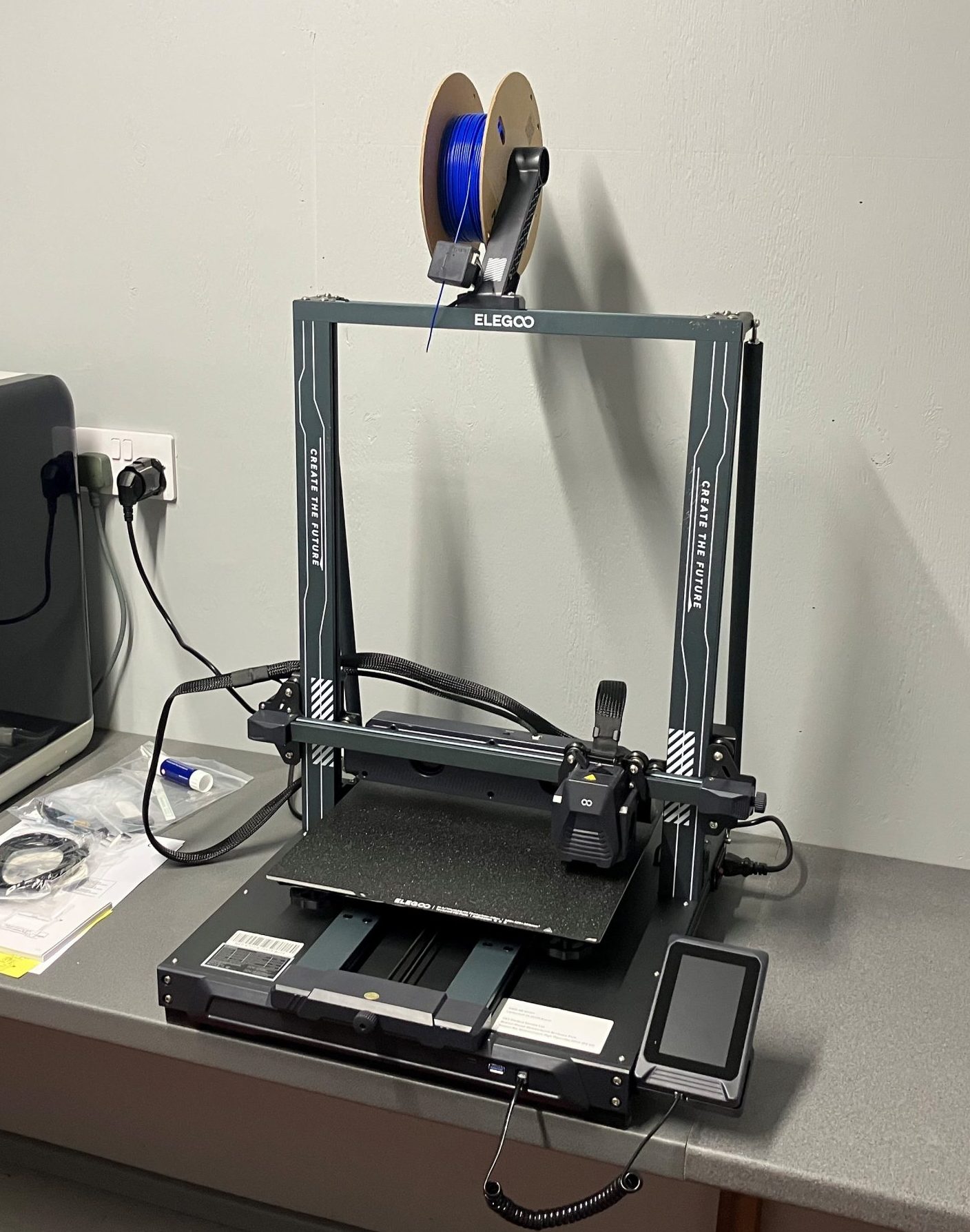
Are you curious to try 3D printing? But thinking it would be difficult and expensive? The reality in 2025, especially at the Dunoon Community Shed, is that it’s cheap and surprisingly easy.
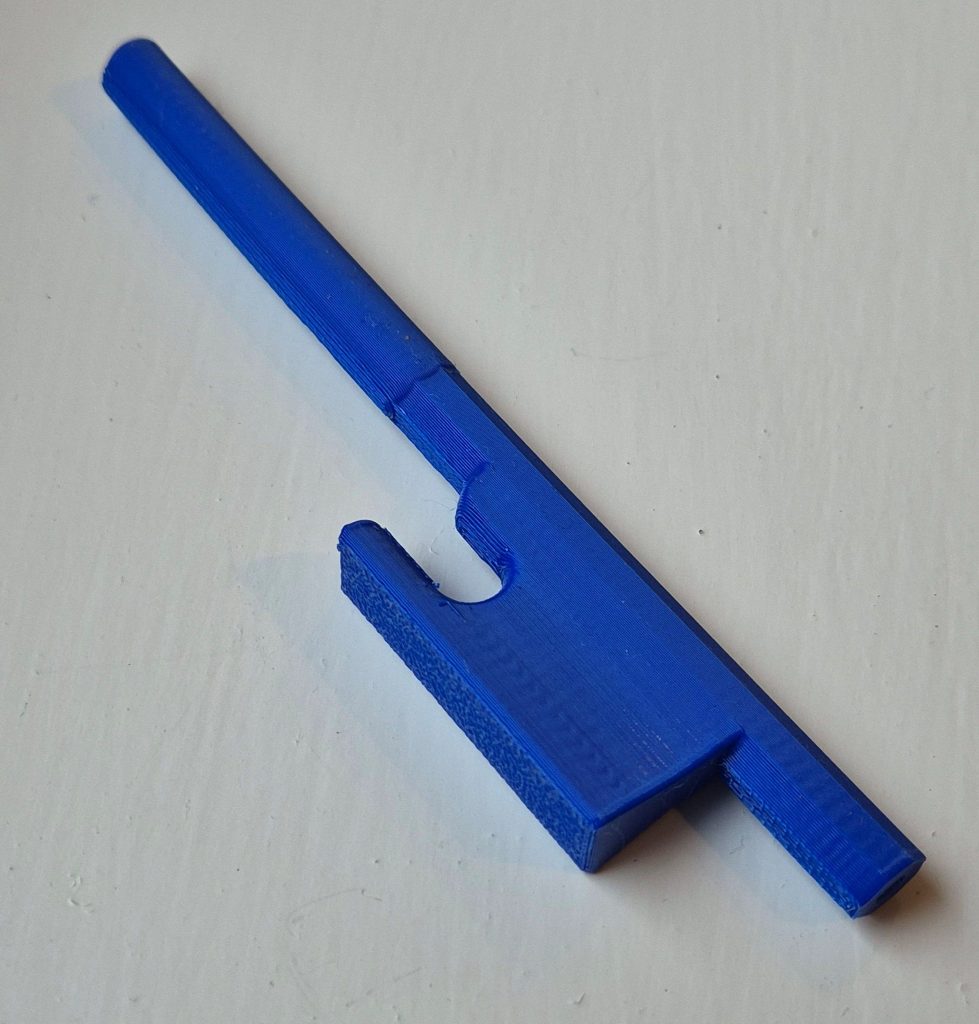
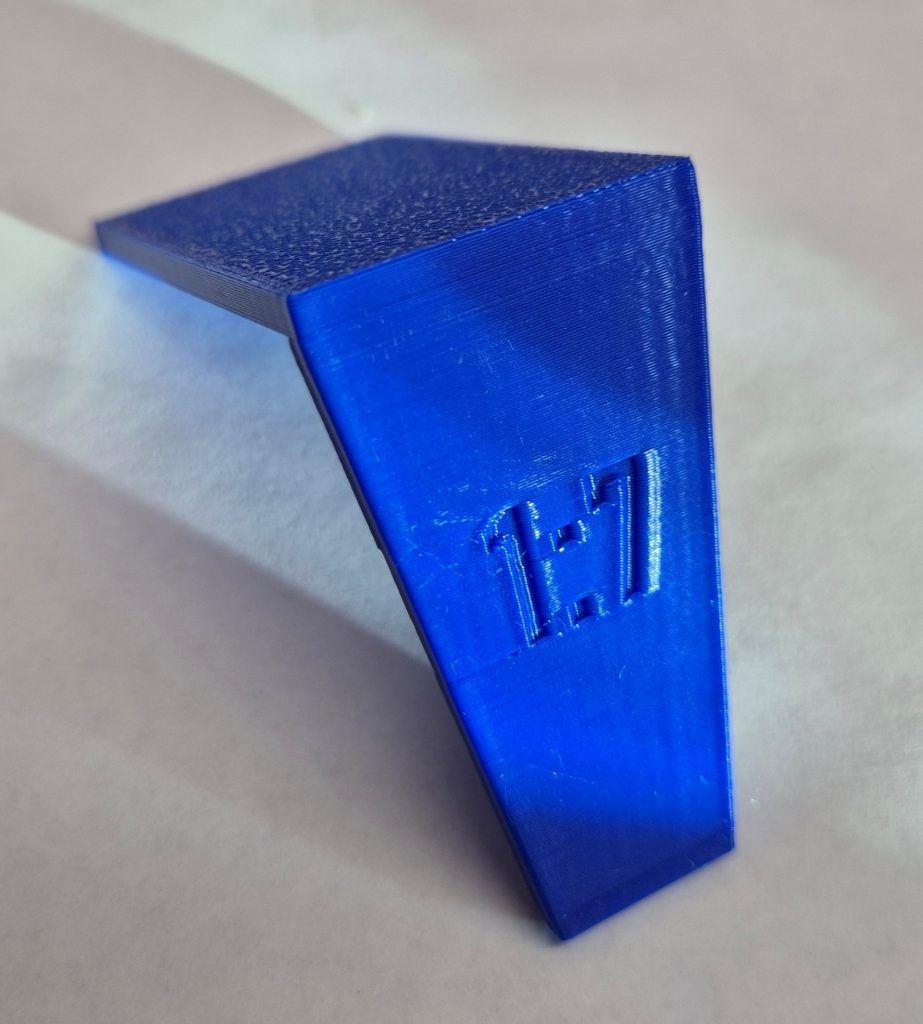
The Shed now has an Elegoo Neptune 4 Plus 3D printer which members can use, so that takes out the major cost of entry. The basic material needed, PLA filament, works out at around 20 pence each for the models I have made, pictured below.
The easiest way to get started is to find a design that somebody else has created and shared on a website such as thingiverse.com. There are thousands of free designs to choose from. You download the design as an STL (STereo Lithography) file and then use “slicer” software (available on the PC in the shed) to create a GCODE file, which is the set of instructions for the specific printer and type of filament. Plug that into the printer, press go, and wait. Small models might take thirty minutes, and bigger ones a few hours. The slicer software will estimate how long it will take to print, and the printer screen tells you how much longer it has to go.
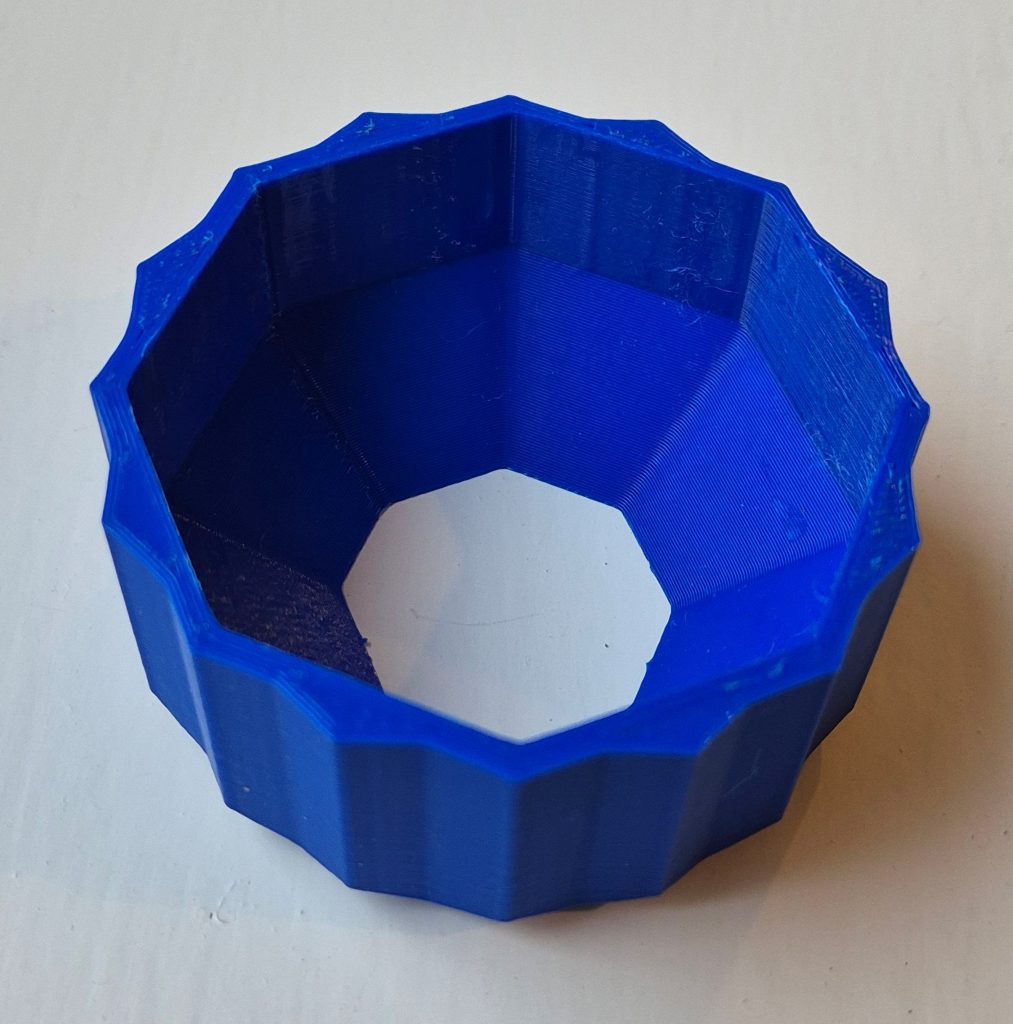
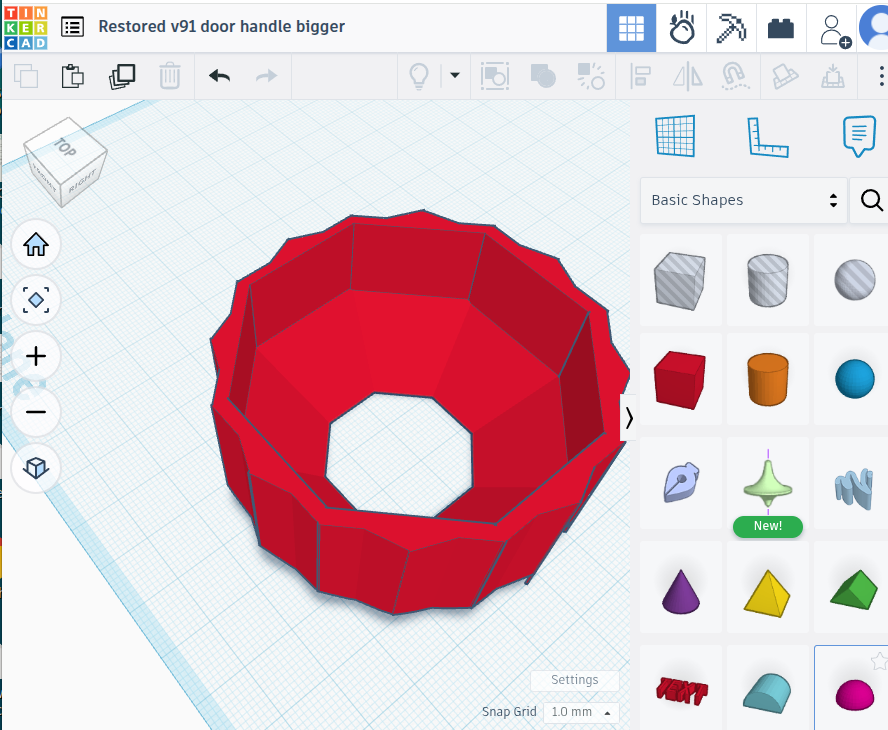
Making your own design involves a bit of head scratching to figure out exactly what you want and to visualise the specific shapes and sizes. I used Tinkercad, which is the simplest of design software. It is free to use and fairly intuitive. You work with a number of starter shapes which you can resize, turn around, line up, and stick together or subtract from one another. The most complex thing I have made is a door handle turner, made using three octagons, eight wedges, and a hemisphere. You export the design as an stl file then proceed as above.
So if you are interested, have a look for some suitable designs, or see what you can create in Tinkercad.
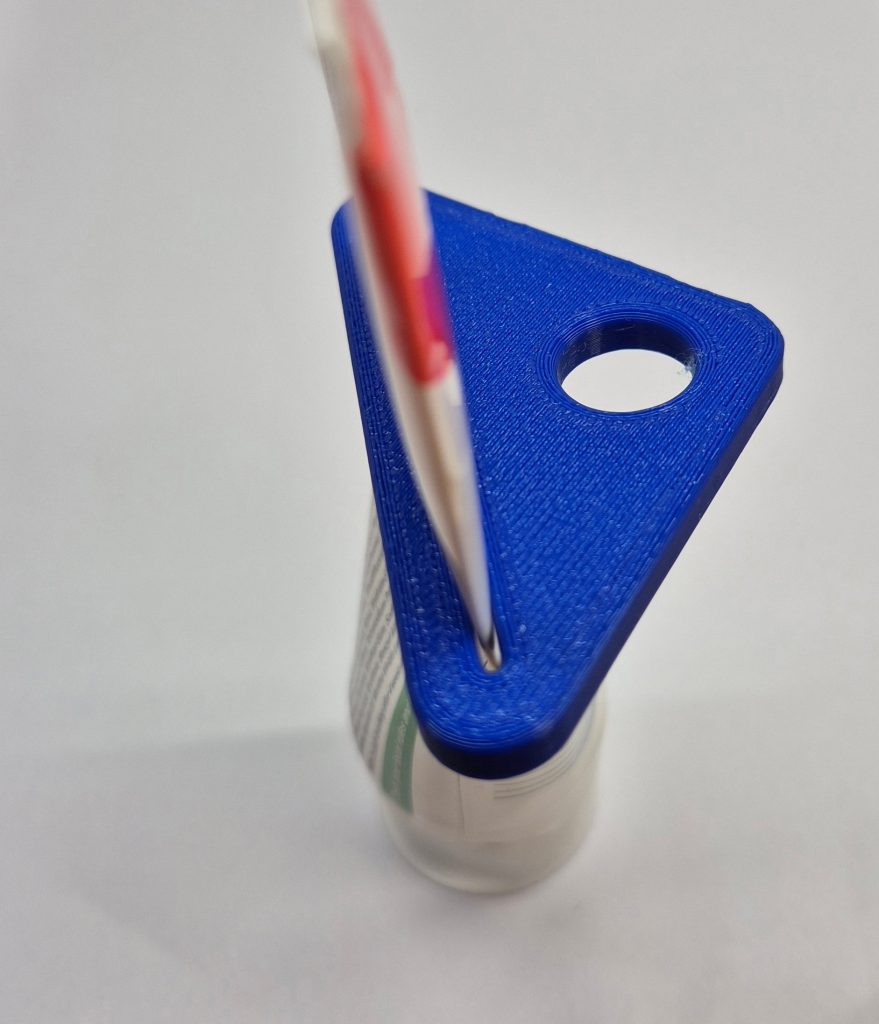
Here are some pictures of things I have made.
If you are interested in 3D printing, please talk to Kim Harris or contact the Shed